Data entry -3D annotation
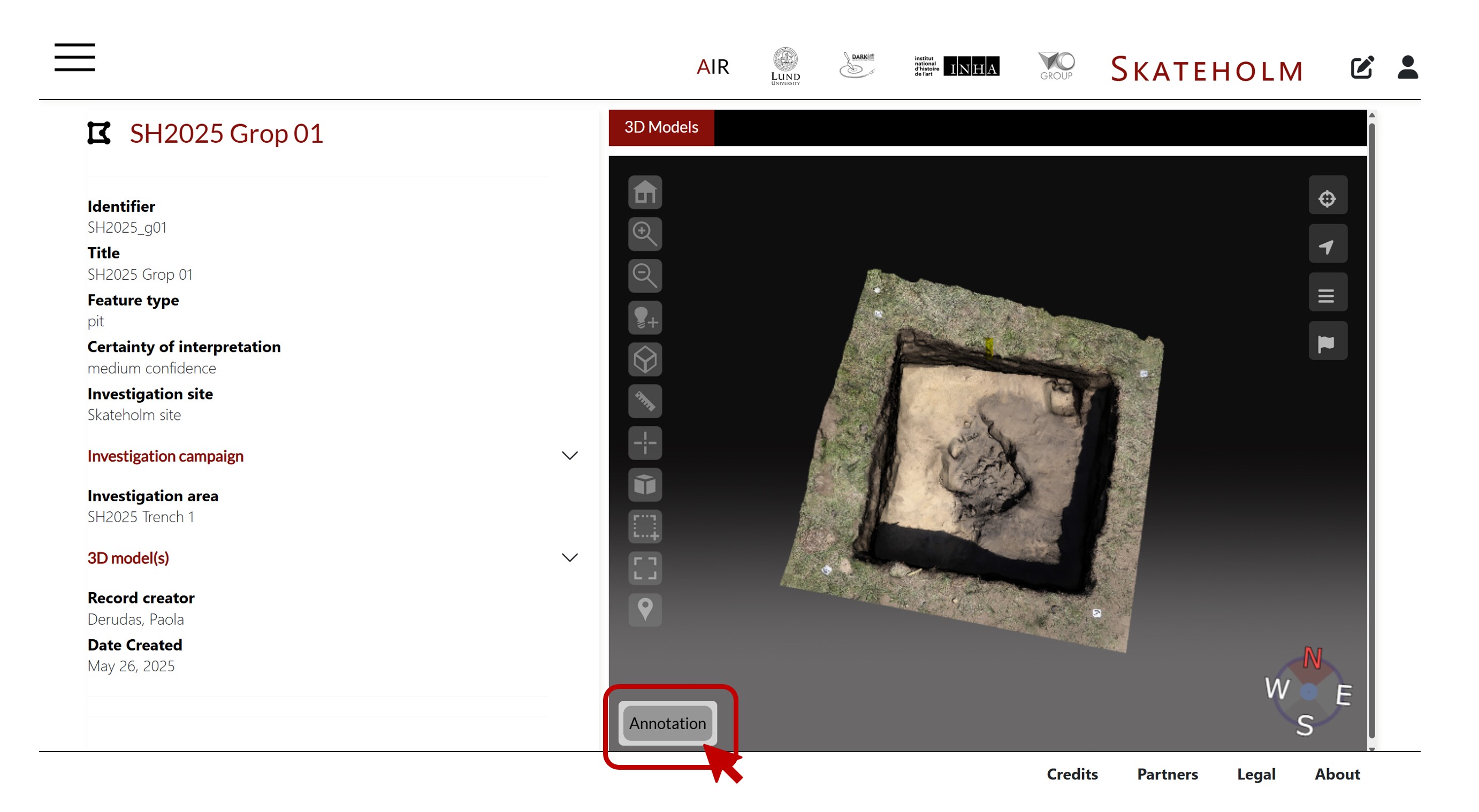
Open your context or feature in the front end and click on the Annotation button in the bottom-left corner of the 3D canvas
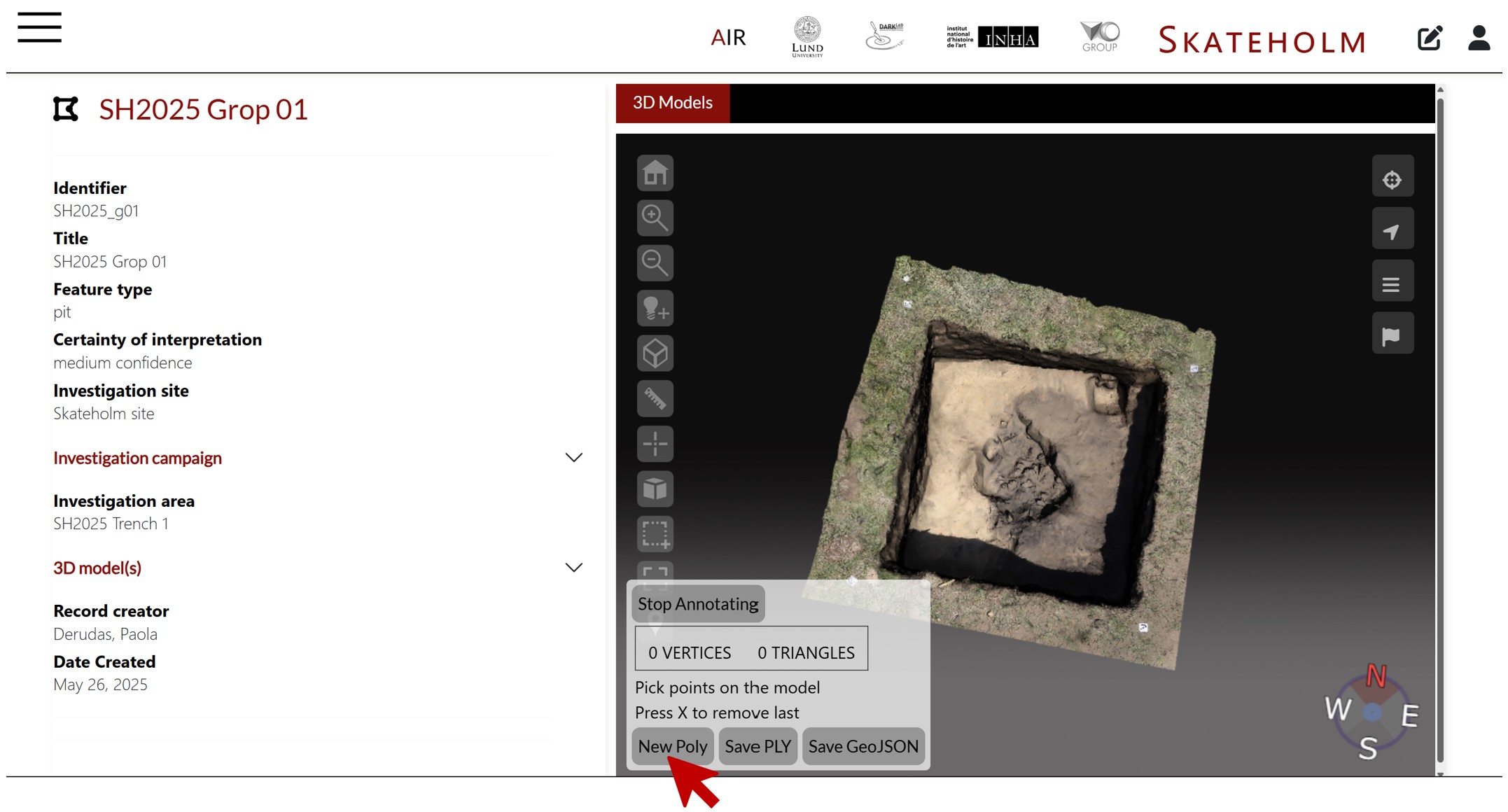
Click on New Poly to start drawing the polygon of your feature on the 3D model
If you need, clic X to undo. Once you are done, save it as a ply
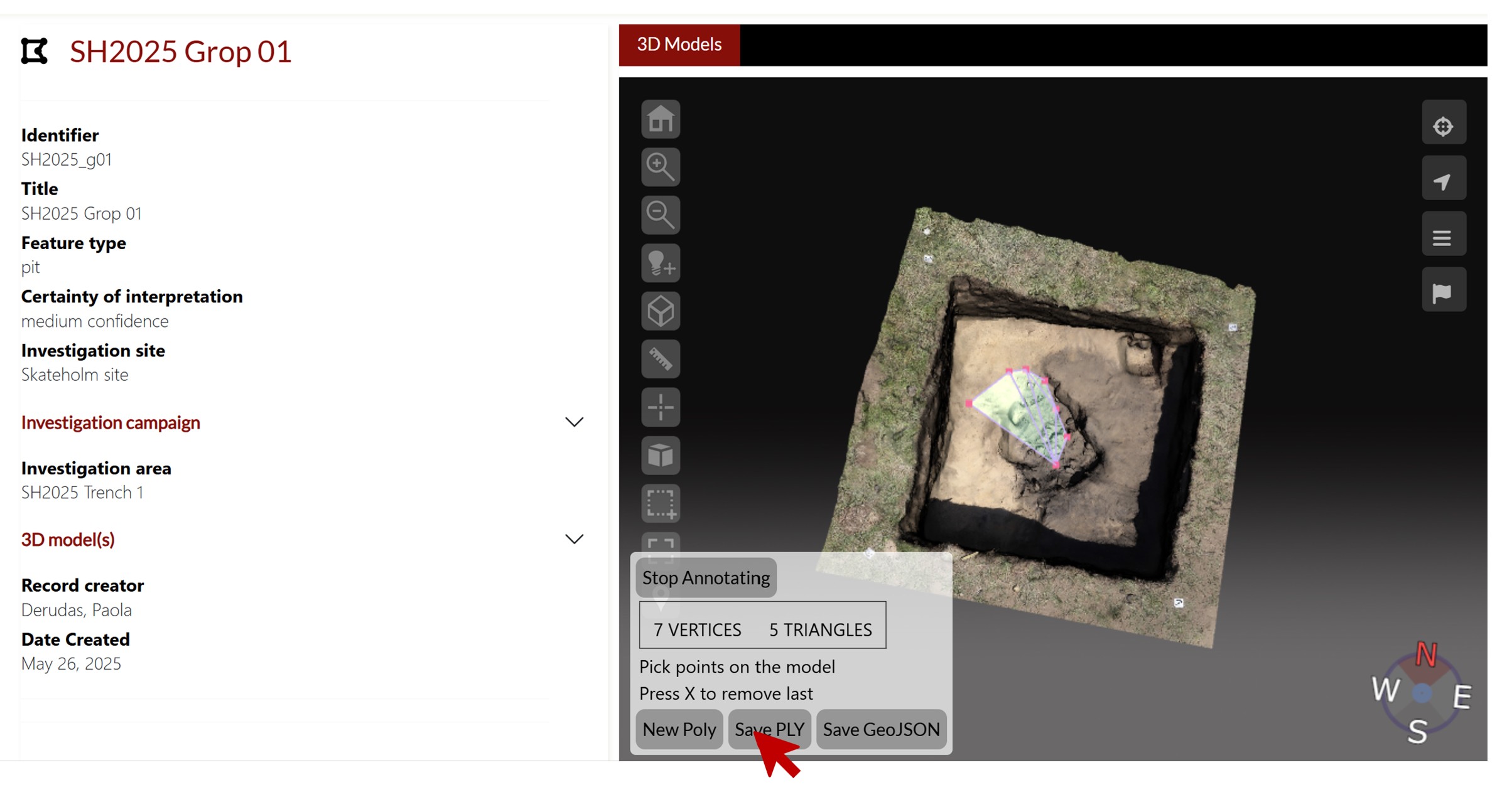
The ply has been saved in the download folder. You can upload it as a media for your context/feature/excavation unit
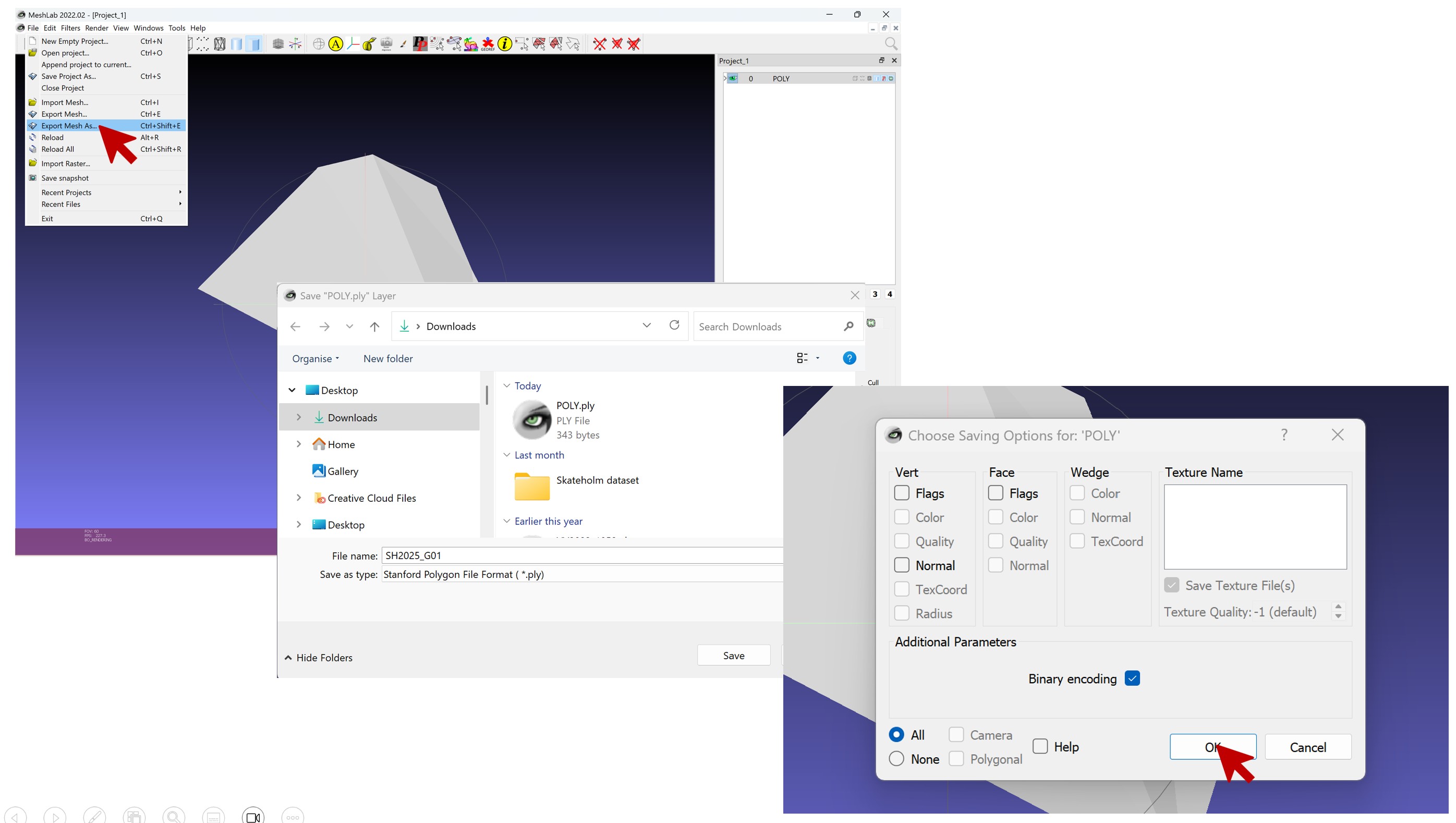
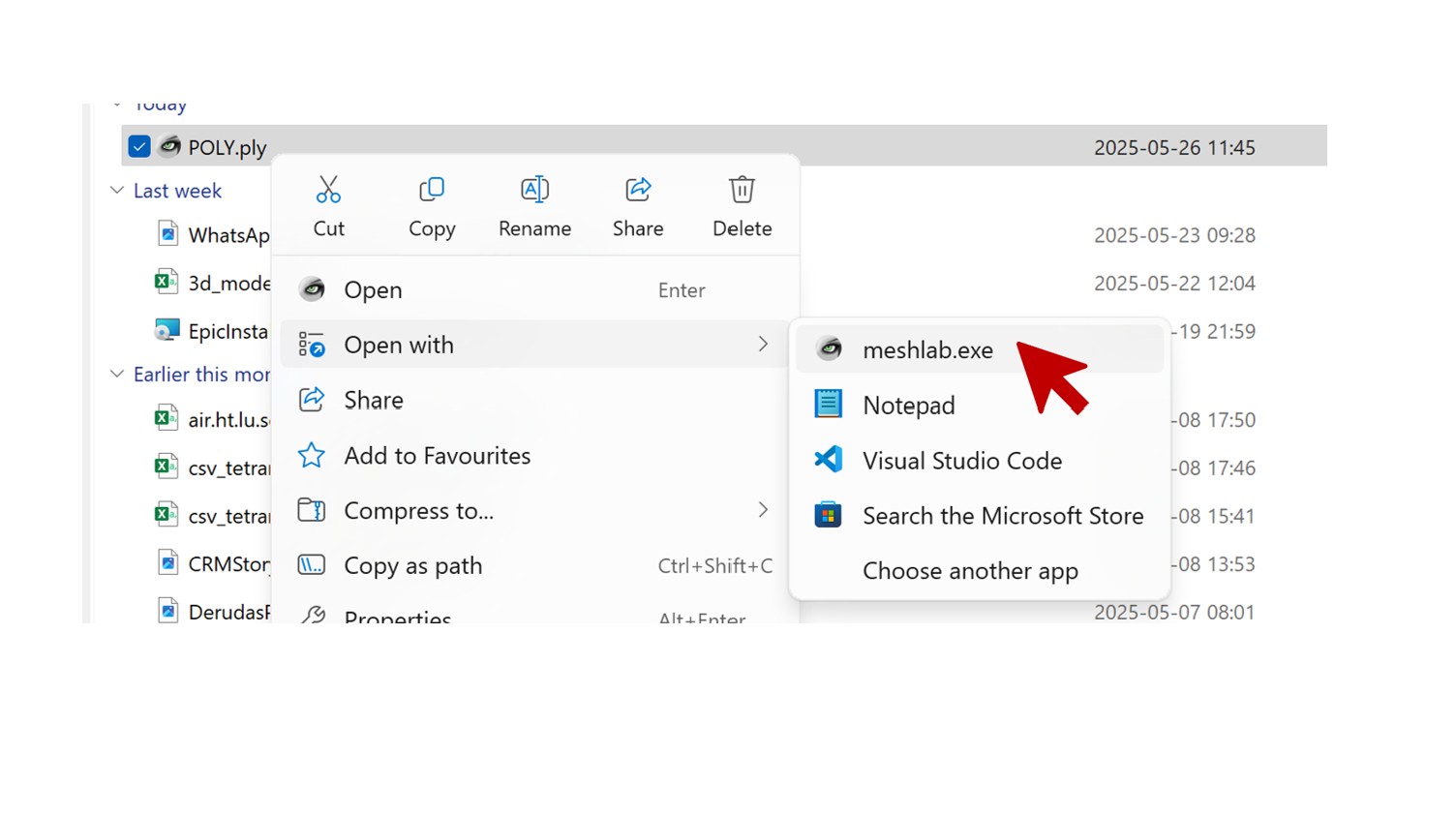
However, you have to open it with Meshlab first, and save it renaming it correctly (SH2025_gropXX)
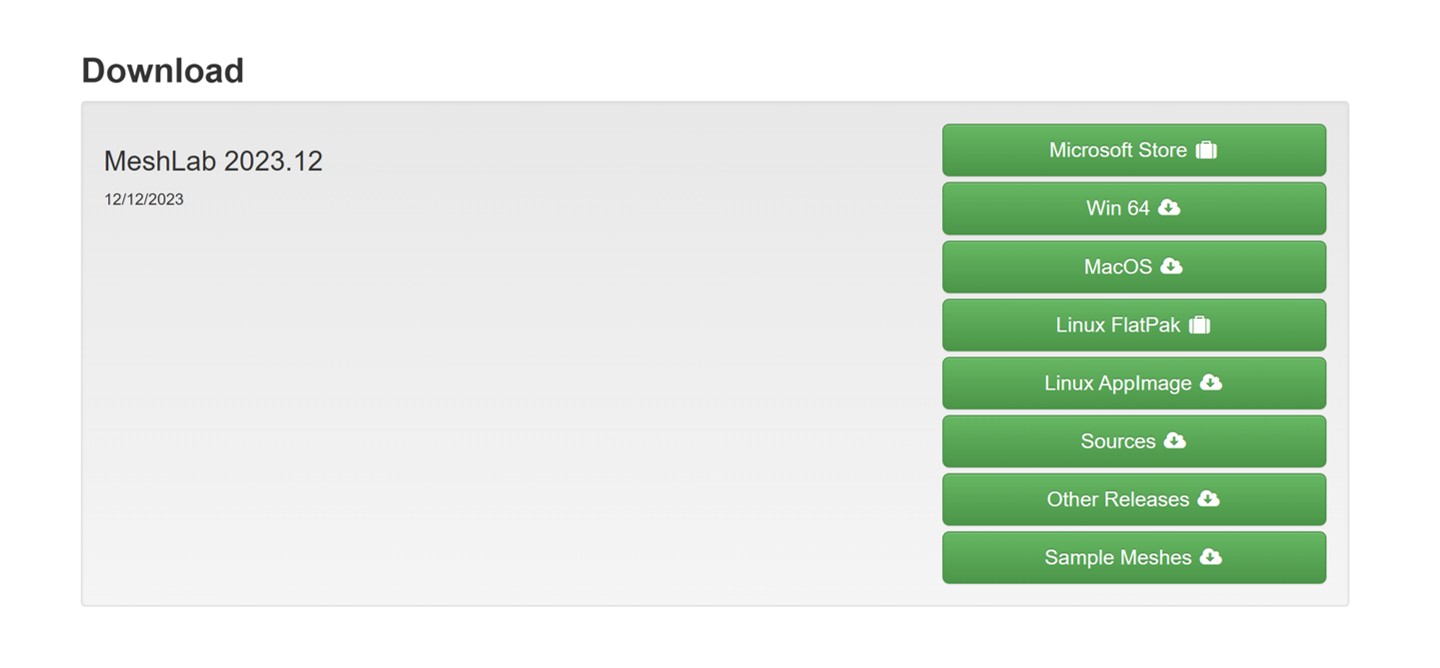
You can download it here
Open the ply file with Meshlab, and save it as shown below